
01
Write in ordinary folders
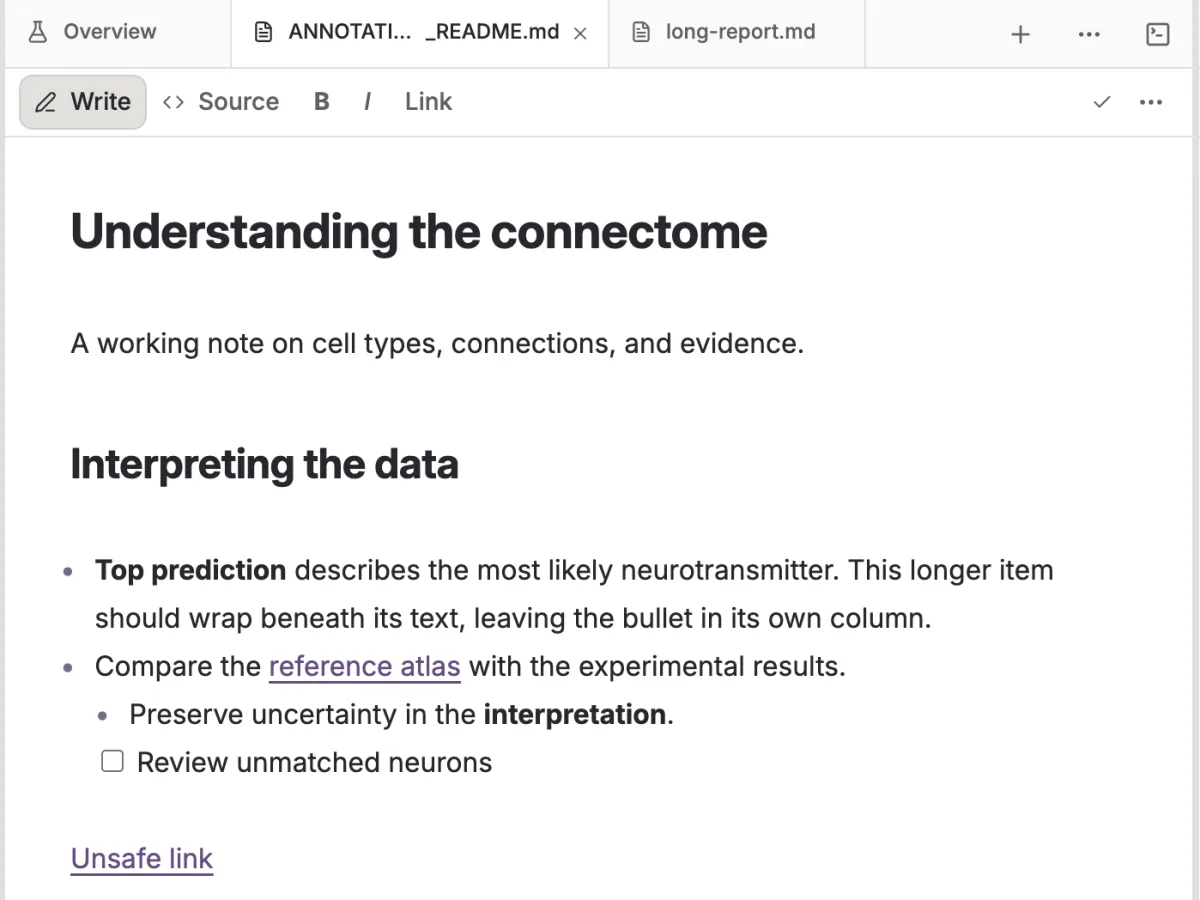
Markdown, code, data and PDFs live in a normal project folder under Git. Tag files if you like. Nothing is locked inside a database.
Research IDE for macOS
Write notes, read papers, run analyses and think with AI inside ordinary local project folders. Share reviewed versions with collaborators when you are ready.
Version 1.0.0 · macOS 12 or later, Apple Silicon · Free · Bring your own OpenAI key or Claude/Codex account
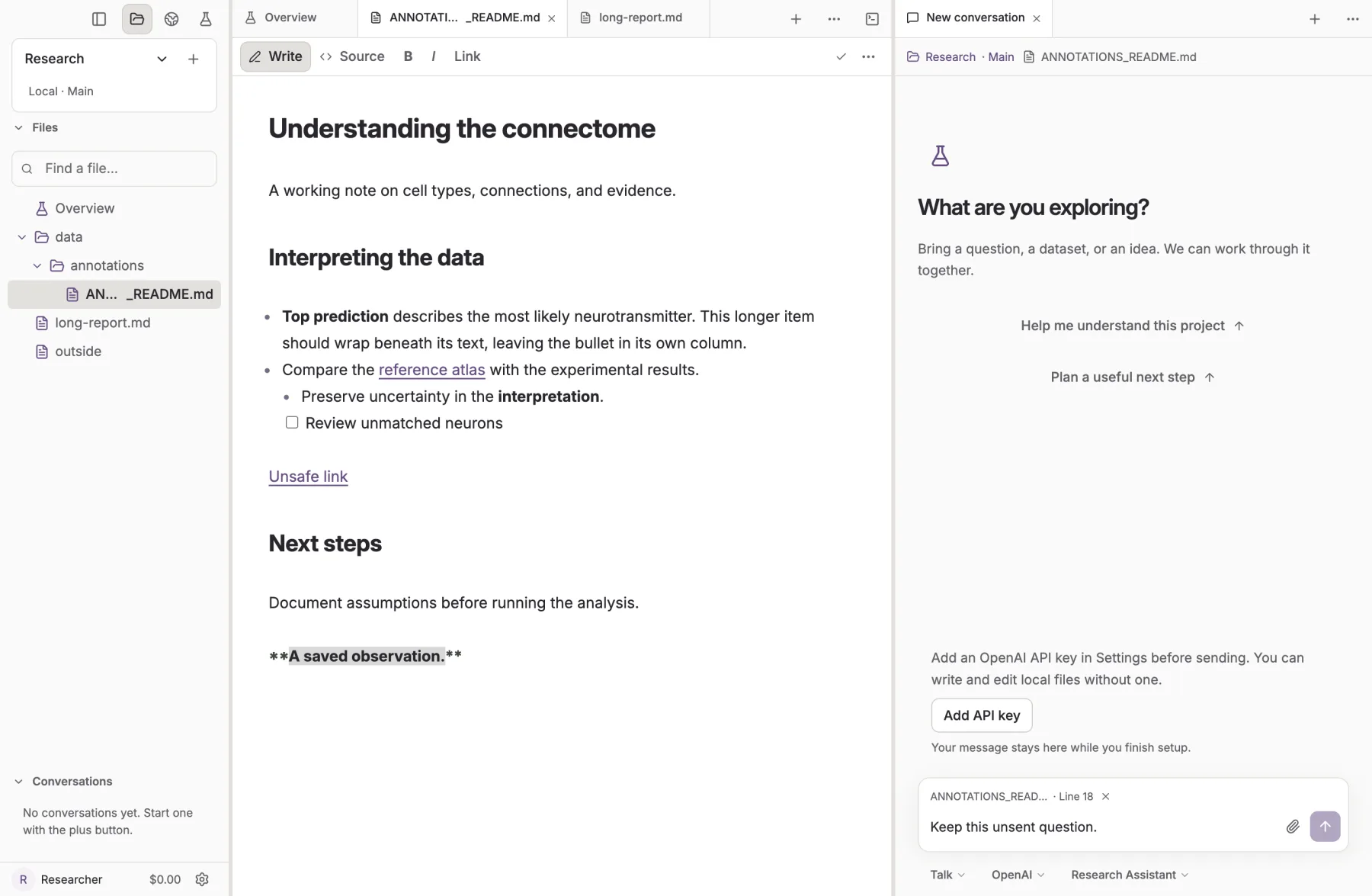
Files, documents and conversations stay side by side.
How it works
One workspace for the whole loop, with each step recorded where you can inspect it.
Markdown, code, data and PDFs live in a normal project folder under Git. Tag files if you like. Nothing is locked inside a database.
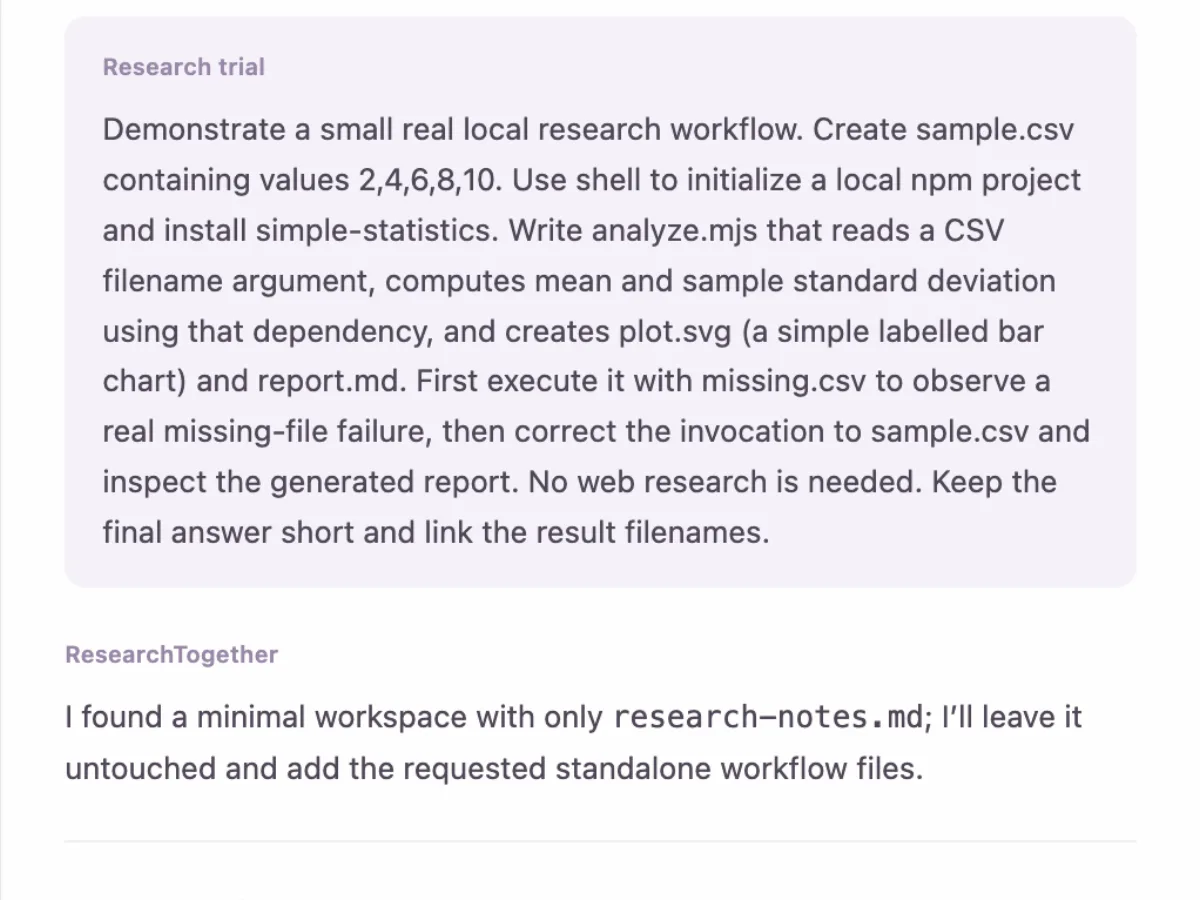
Talk through an idea, save a Plan, or let Auto run an approved task. Every command and file change is shown, and access stops at what you granted.
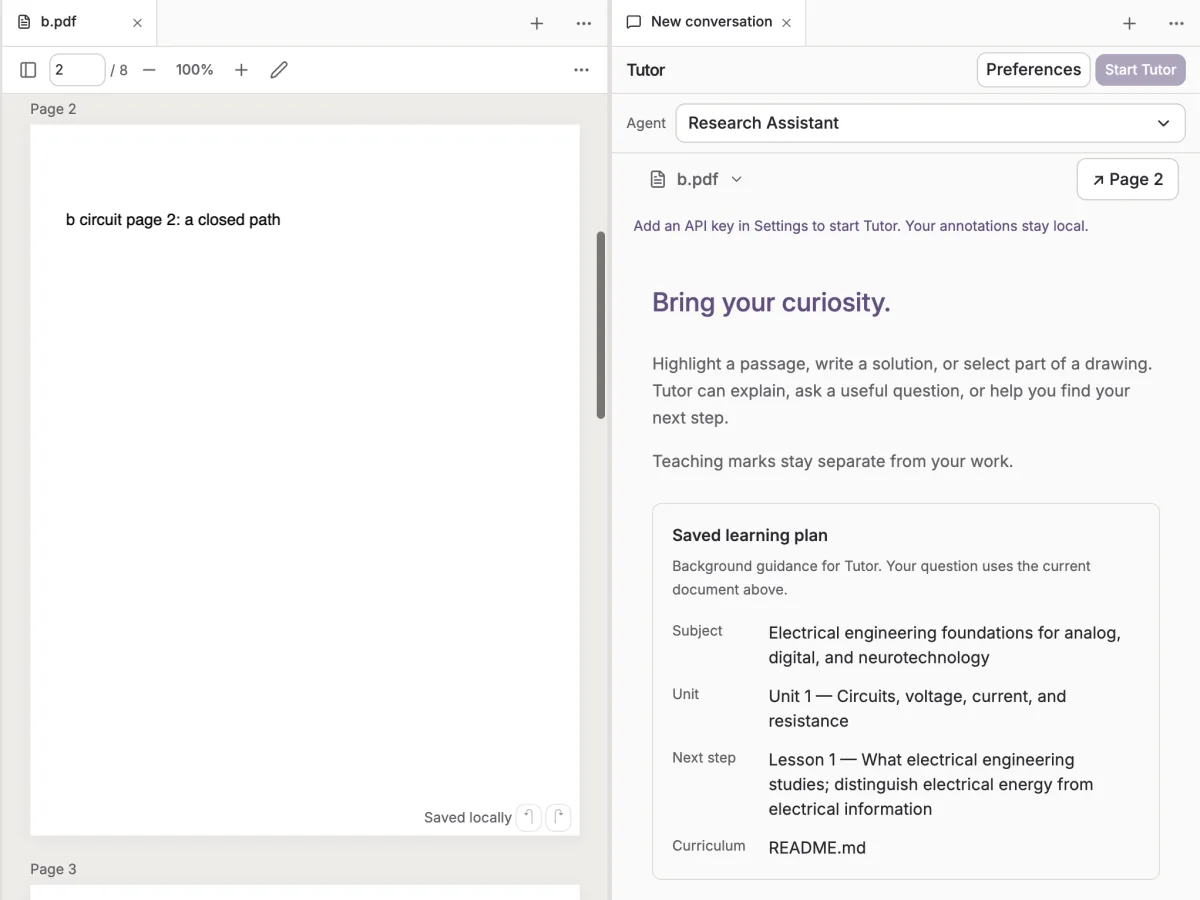
ReadFaster summarizes a paper page by page with the evidence beside it. Tutor teaches from your own documents and remembers what still needs practice.
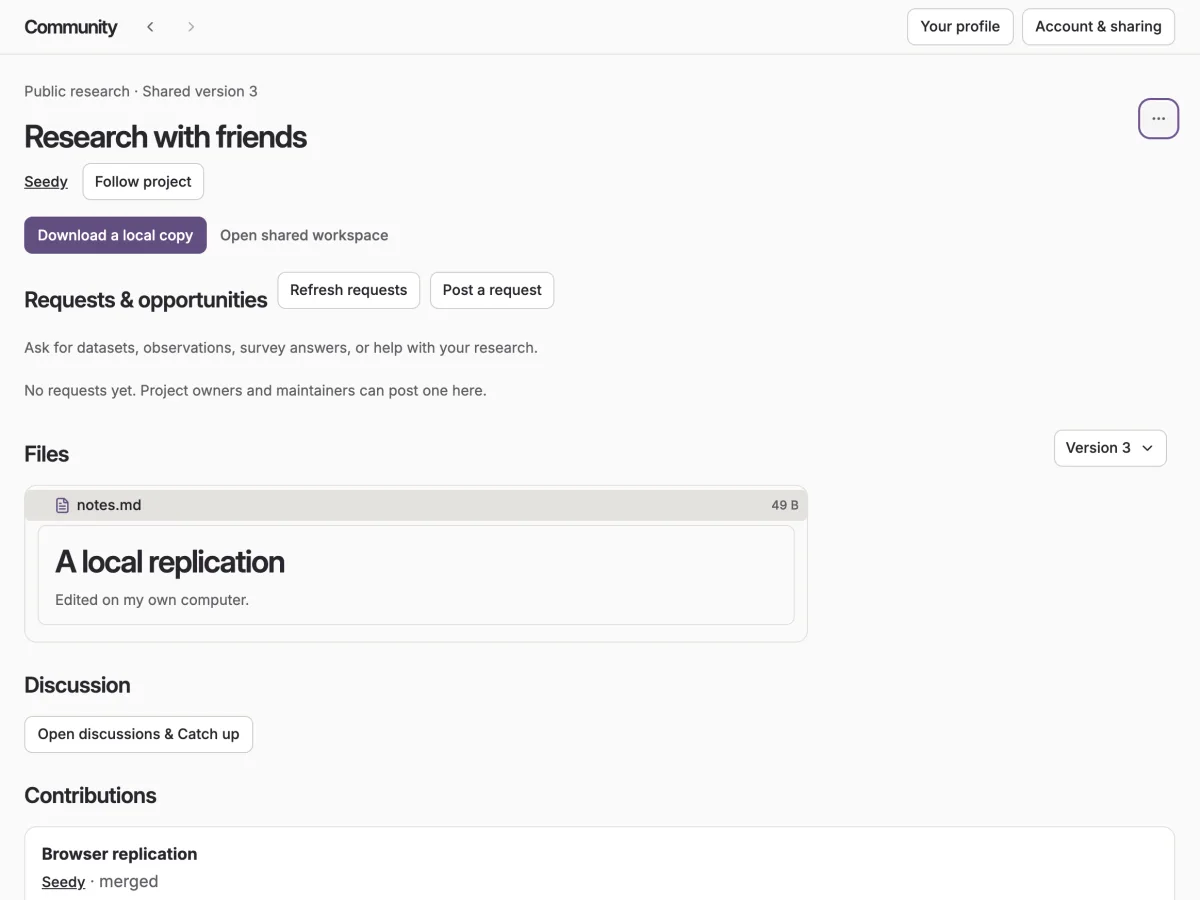
Publish a version to Community, discuss evidence, and take in collaborators’ changes only when you review and apply them locally.
Ground rules
Three commitments shape every feature in the app.
Projects are folders on your Mac. Sharing publishes the files you choose; nobody gains access to your computer or your agents.
Talk and Plan read; Auto writes only after you approve the project and its dependencies. Worktrees keep experiments away from Main.
Use your OpenAI API key, or sign in with your Claude or Codex account. The app is free and has no model billing of its own.
Get started